Build numbers · Patch discipline
MyFab11 latest version, update flow, and compatibility guide
You already know where to fetch a file from download & APK. This page is about whether to move builds: reading version strings, timing updates around match locks, and knowing when “new” is optional versus necessary—without promising features the operator has not shipped.
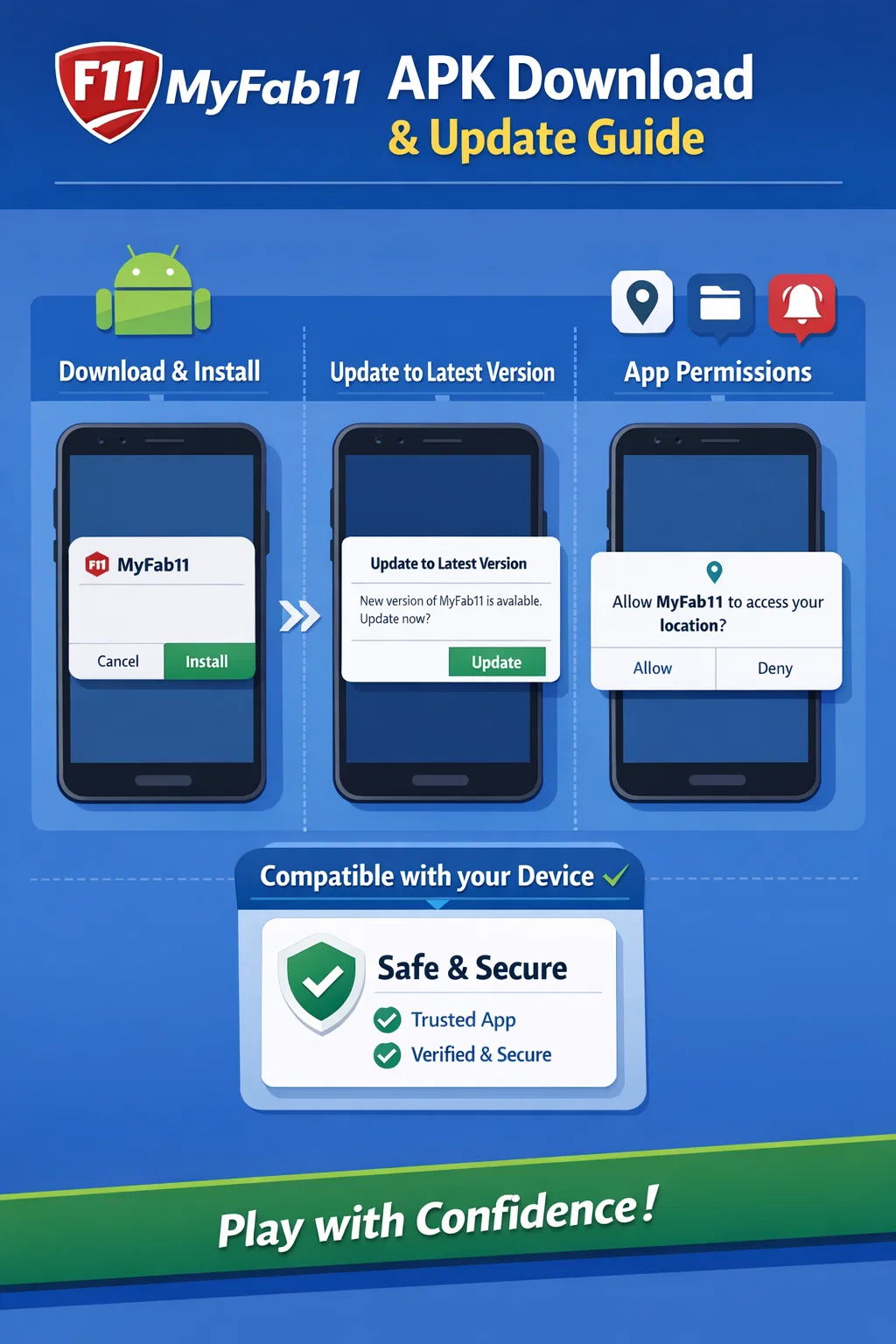
What users check before updating
Sensible checks: confirmed downtime notices, whether the changelog mentions a security fix, and whether you are minutes from a contest deadline (a mid-slate patch can force re-login—see login help if OTP acts up afterward). Skim trust framing if an update coincides with wallet or KYC changes.
Latest vs old version: what actually changes
A latest version usually carries server compatibility, bug fixes, and policy-driven UI tweaks. Staying on an old version can mean missing those fixes or hitting “please update” walls. Rolling back is rarely a long-term strategy—use it only while you confirm a regression, then return current via a source you trust from the download page playbook.
Android compatibility awareness
Watch minimum OS notes in store or release copy. Arm64 is typical; aging 32-bit-only devices may be left behind. Low storage, battery optimisers killing background updates, and MDM profiles can all masquerade as “bad APKs” when the real issue is device policy.
In-app update vs fetching a fresh APK
App update flows (in-client updater or store) apply deltas with vendor tooling. A manual APK update is the same binary delivered differently—higher responsibility on you to match package identity. If those two paths disagree on version codes, pause and verify before you overwrite an install.
When to re-verify after a version bump
After a major jump, re-check notification permissions, payment shortcuts, and saved login state. If something that worked yesterday now fails only on your handset, note build, OS level, and time—useful for support tickets you open through authenticated channels.
How this page differs from download help
Download & APK focuses on install integrity, unknown sources, and telling install failures from login failures. This page focuses on version lifecycle—timing, compatibility, and mental model—not on re-teaching sideload hygiene.
Safe next steps
For mirror-site context and iOS rumours, read utility guide. For lineup screens after you are current, use app workflow. Topic map: hub.