In-product flow
My Fab 11 app: from contest pick to locked lineup
You are already past install and sign-in. This page is only about how the my fab 11 app usually behaves once the lobby loads—buttons, caps, and timers. Labels differ by build; verify on your phone before a high-stakes slate.
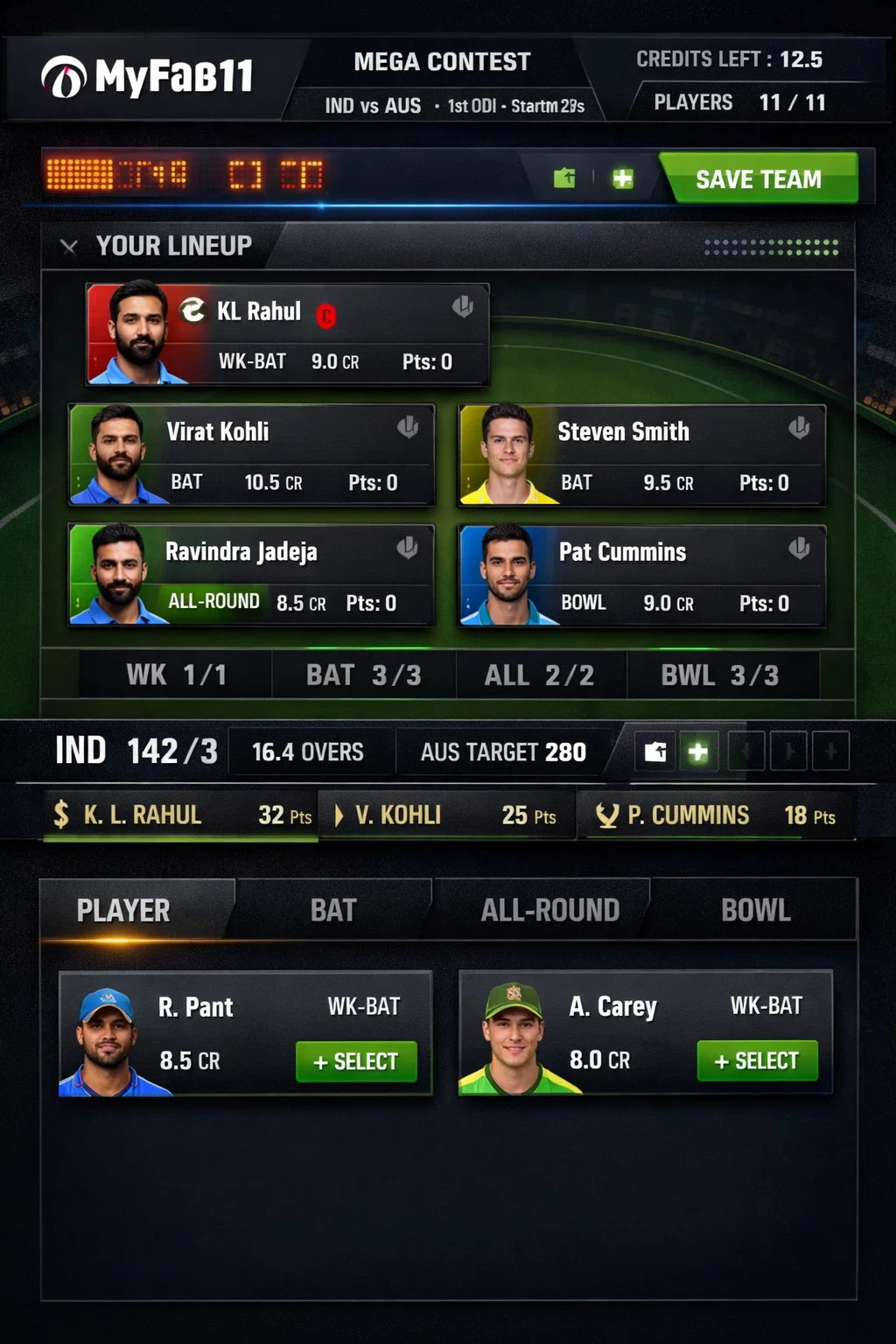
Open fixture → builder: the default path
Tap a match, choose a contest tier, then land in the lineup builder. You fill roles (keeper, batters, all-rounders, bowlers) until the salary cap and composition rules are satisfied, then save—often you can store multiple entries where the format allows.
Crashes before this screen usually mean a bad install or an outdated build; download & APK covers that. Spinner loops right after OTP belong on login help.
Player lists on a phone
- Sort and filter when available—long IPL lists get painful without them.
- Re-open the sheet after toss news; late changes are normal.
- If the list freezes, note whether other apps work (network) versus only this client (app issue).
Research philosophy—form, venue, matchups—is intentionally on utility guide so this page stays mechanical.
Captain, vice-captain, and contest copy
Captain and VC multipliers, tie-break wording, and refund rules live on the contest card, not in a blog. Skimming that block every time is the difference between “I assumed 2×” and “I read the actual rule.”
UI glitches on C/VC: one clean restart, confirm a current build via version guide or download help, then capture video for support if it repeats.
Deadlines and post-lock behaviour
Most classic contests lock at the published cut-off; some variants allow limited swaps—only if the app explicitly offers them. Rely on the countdown on the fixture, not memory from last season.
Readability and performance on small screens
If typography feels wrong, try system text size first. If everything stutters, compare with trust & stability notes before assuming the device is at fault. Return to the hub when you need a different topic.